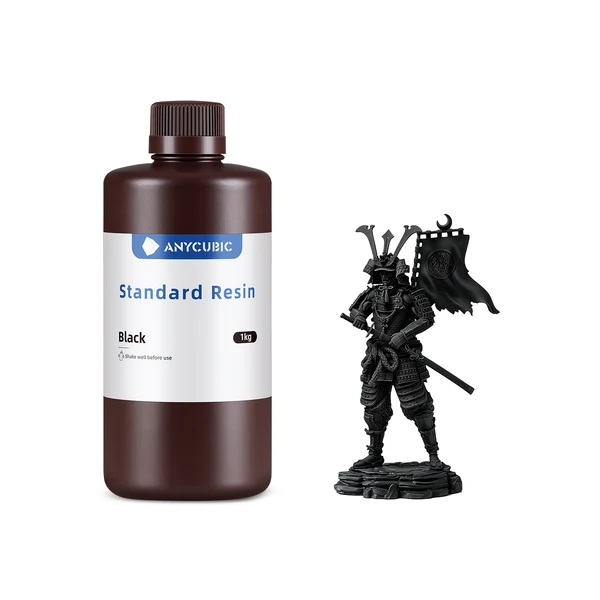
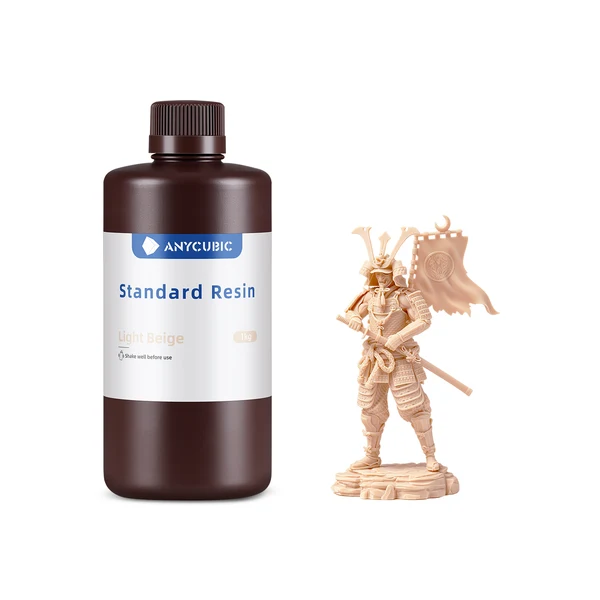
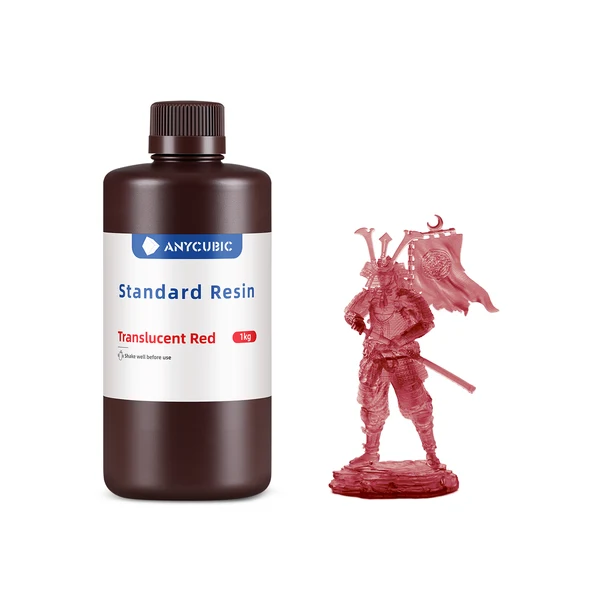
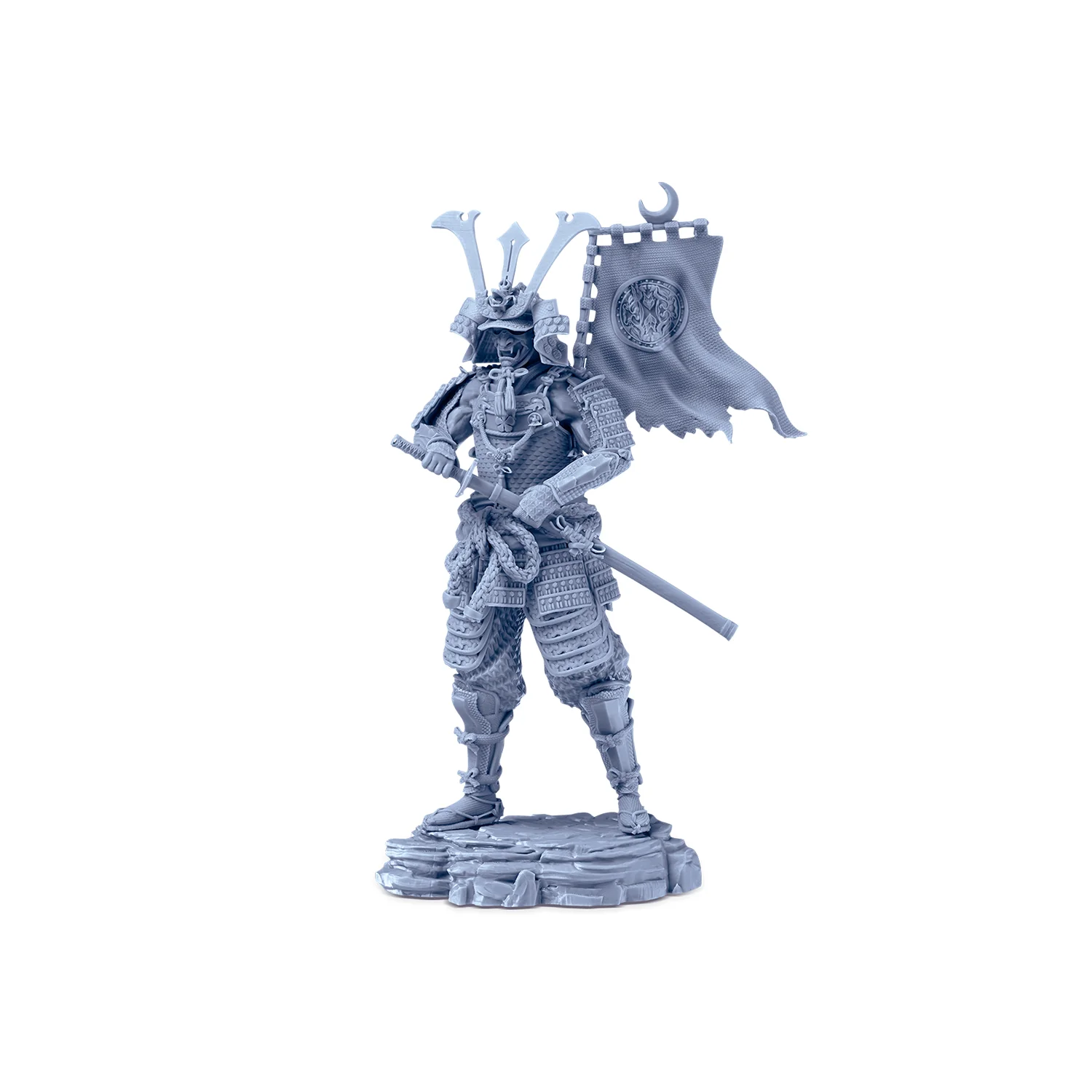
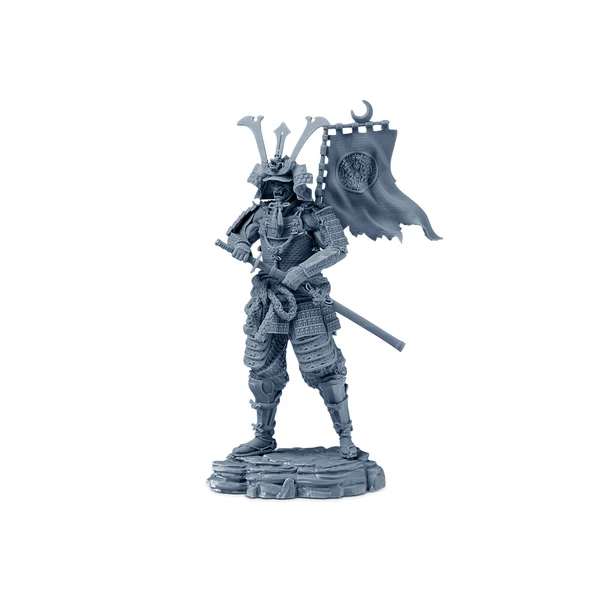
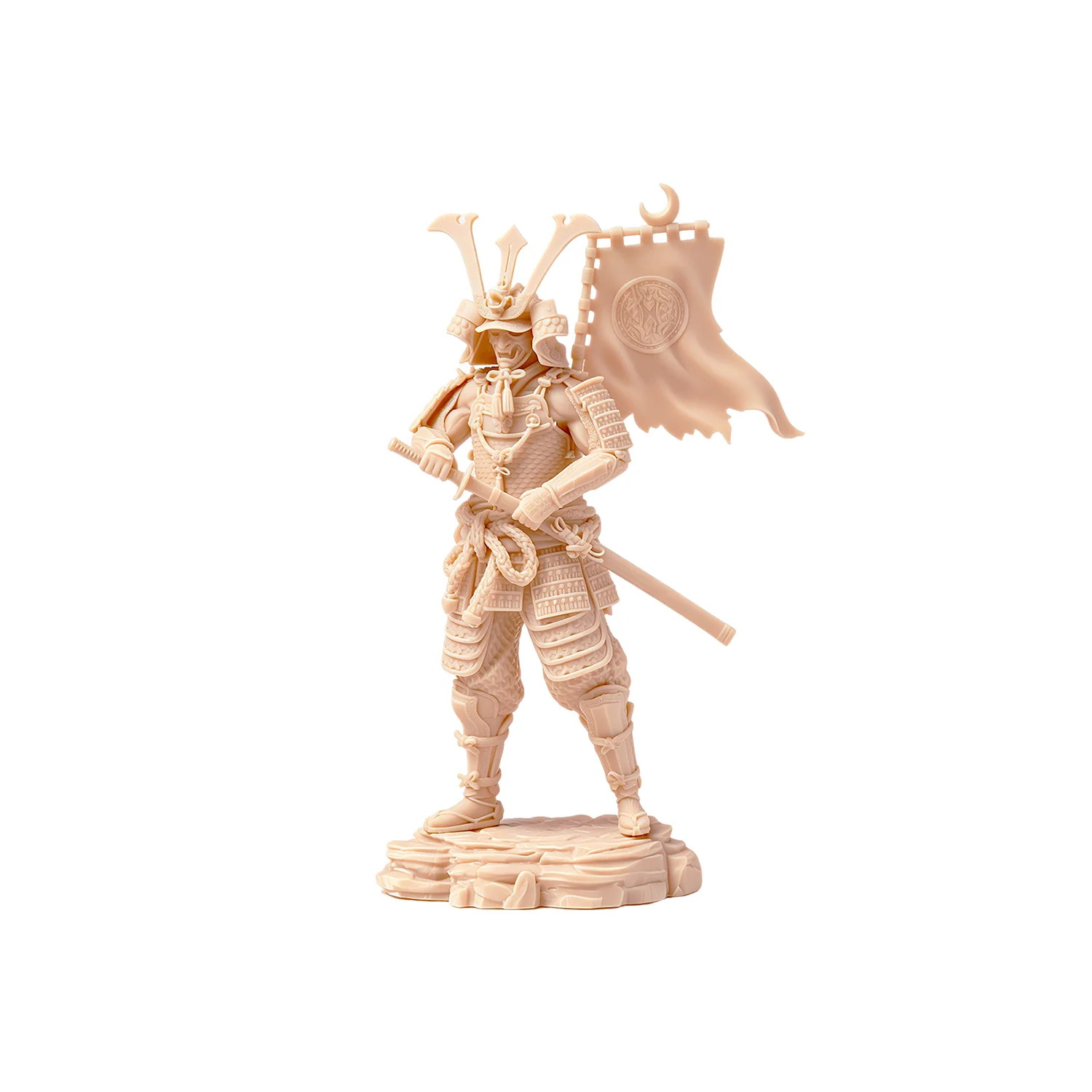
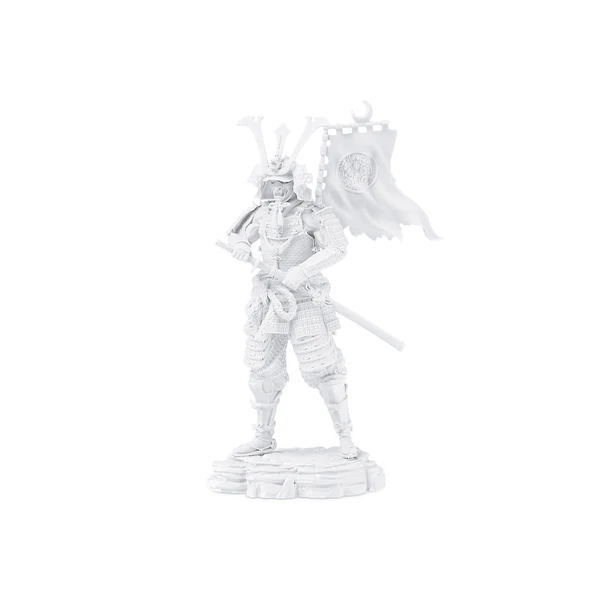
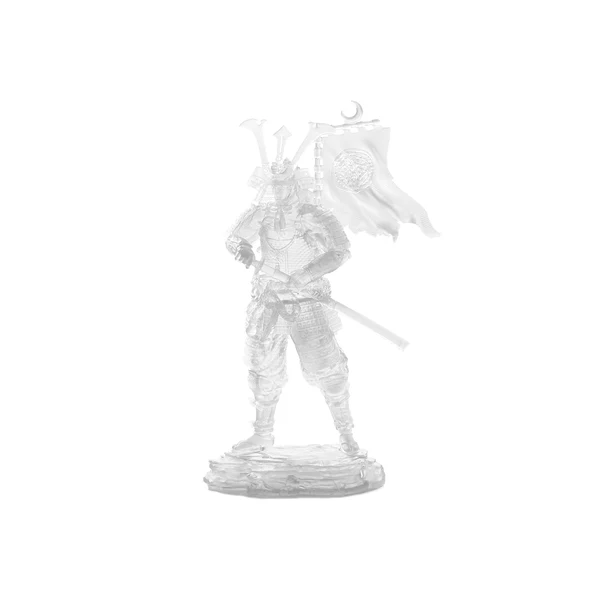
Description
Specification
Color Type
Recommended Printing Parameters
| Printer Model | Layer Thickness | Exposure Time | Light-Off Time | Bottom Exposure Time | Bottom Layers | Anti-Aliasing Level | Z Lift Distance | Z Lift Speed | Z Retract Speed |
| Photon P1 Max | 0.05 mm | 2 s | 2 s | 20 s | 1 | 16 | 5 mm | 3 mm/s | 3 mm/s |
| Photon P1 | 0.05 mm | 2 s | 2 s | 20 s | 1 | 4 | 5 mm | 3 mm/s | 3 mm/s |
| Photon Mono M7 | 0.05 mm | 2.2 s | 0.5 s | 25 s | 4 | 1 | 8 mm | 6 mm/s | 6 mm/s |
| Photon Mono M7 Pro | 0.05 mm | 1.8 s | 0.5 s | 25 s | 3 | 1 | 8 mm | 6 mm/s | 6 mm/s |
| Photon Mono M7 Max | 0.05 mm | 2 s | 0.5 s | 30 s | 5 | 1 | 8 mm | 6 mm/s | 6 mm/s |
| Photon Mono M5 | 0.05 mm | 2.8 s | 0.5 s | 25 s | 5 | 1 | 8 mm | 5 mm/s | 6 mm/s |
| Photon Mono M5s | 0.05 mm | 2.8 s | 0.5 s | 25 s | 5 | 1 | 8 mm | 5 mm/s | 6 mm/s |
| Photon Mono M5s Pro | 0.05 mm | 3.6 s | 0.5 s | 30 s | 5 | 1 | 8 mm | 6 mm/s | 6 mm/s |
| Photon Mono 4 | 0.05 mm | 2.8 s | 1 s | 30 s | 5 | 1 | 6 mm | 4 mm/s | 6 mm/s |
| Photon Mono 4K | 0.05 mm | 2 s | 0.5 s | 40 s | 4 | 1 | 6 mm | 4 mm/s | 6 mm/s |
| Photon Mono 4 Ultra | 0.05 mm | 2.6 s | 1 s | 30 s | 5 | 1 | 5 mm | 8 mm/s | 8 mm/s |
| Photon Mono 2 | 0.05 mm | 2.5 s | 1 s | 20 s | 5 | 1 | 6 mm | 4 mm/s | 6 mm/s |
| Photon Mono X2 | 0.05 mm | 2.5 s | 0.5 s | 25 s | 4 | 1 | 8 mm | 2 mm/s | 3 mm/s |
| Photon Mono X 6K | 0.05 mm | 2 s | 0.5 s | 23 s | 6 | 1 | 8 mm | 2 mm/s | 3 mm/s |
| Photon Mono X6Ks | 0.05 mm | 2.5 s | 0.5 s | 20 s | 5 | 1 | 8 mm | 3 mm/s | 4 mm/s |
| ANYCUBIC Photon M3 Max | 0.05 mm | 3 s | 2 s | 25 s | 6 | 1 | 10 mm | 2 mm/s | 3 mm/s |
| ANYCUBIC Photon M3 Premium | 0.05 mm | 2.5 s | 0.5 s | 25 s | 4 | 1 | 8 mm | 6 mm/s | 6 mm/s |
Instructions for Use
1. Before use:
Shake liquid resin well
Clean resin tank and build plate
Ensure tank bottom remains highly transparent
Confirm release film is undamaged
Verify correct print parameter settings
Recommended printing environment: 20-35 °C (to prevent temperature-related failures)
2. During Use:
Unscrew bottle cap and remove sealing film
Pour resin into tank without exceeding max fill line
3. After Printing:
Use included tools for post-processing:
Scraper /Flush cutters /Tweezers / Gloves
≥95% IPA cleaning solution
4. Post-Processing:
A. Remove models from build plate using scraper, remove supports
B. Clean models in Anycubic Wash & Cure machine for ~10 minutes (use ≥95% alcohol or cleaner)
C. Dry models: Air-dry, blow-dry, or use drying chamber (prevents water absorption/cracking)
D. Secondary curing: Cure models for 3-5 minutes
E. Resin recycling: Filter through 100-mesh sieve
Precautions
- Store at room temperature away from light
- Recommended use temperature: >20°C (low temperatures reduce success rate; high temperatures accelerate pigment settling)
- If pigment settles: Stir with a plastic scraper or shake the resin bottle
- Resin cures under sunlight: Print in dim, ventilated areas or cover the printer
- Remove models promptly after washing to avoid property degradation
- Always wear nitrile gloves and goggles (avoid skin/eye contact)
- Waste disposal: Cure resin completely before discarding as solid waste
- Maintain ventilation; keep liquid away from pregnant women, children, and pets